Scaling with Kubernetes
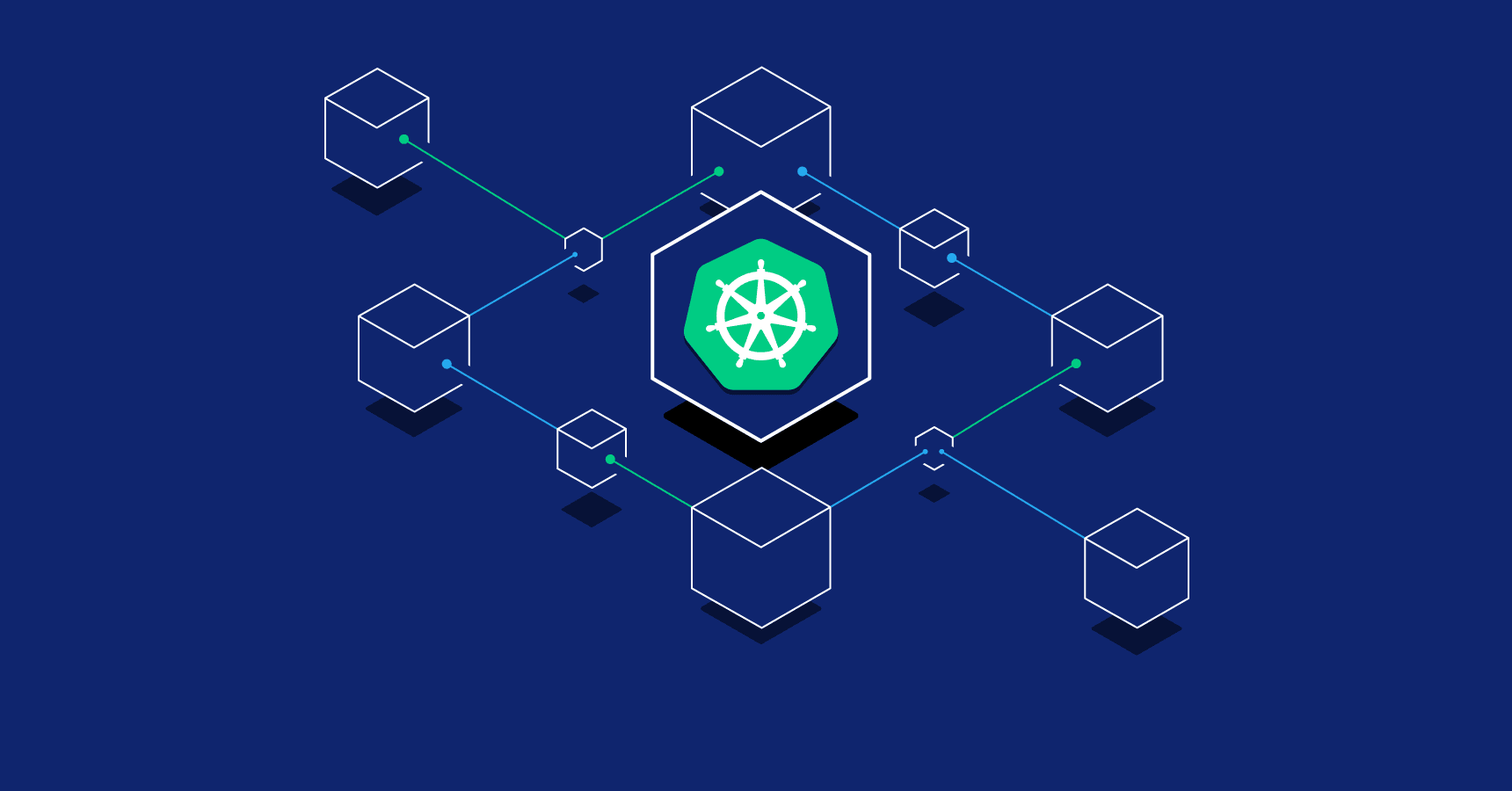

Scaling with Kubernetes: Orchestrating Containerized Applications
Kubernetes, often abbreviated as K8s, is an open-source platform for automating the deployment, scaling, and management of containerized applications. It simplifies the complexities of running distributed systems, making it a go-to solution for scaling modern applications. In this blog, we’ll explore Kubernetes’ core concepts, scaling benefits, and a practical example of deploying a scalable web application.
Why Kubernetes for Scaling?
Kubernetes provides a robust framework for managing containerized workloads, ensuring high availability, scalability, and resilience. It abstracts infrastructure complexities, allowing developers to focus on application logic.
Key benefits:
- Horizontal Scaling: Automatically add or remove pods based on demand.
- Self-healing: Restarts failed containers and redistributes workloads.
- Service Discovery and Load Balancing: Routes traffic efficiently across containers.
- Portability: Runs on any cloud or on-premises infrastructure.
Core Kubernetes Concepts
- Pod: The smallest deployable unit, typically containing one or more containers.
- Deployment: Manages a set of pods, ensuring desired state and updates.
- Service: Exposes pods to network traffic, providing load balancing.
- Horizontal Pod Autoscaler (HPA): Scales pods based on metrics like CPU or memory usage.
- ConfigMap/Secret: Manages configuration and sensitive data.
Deploying a Scalable Web App with Kubernetes
Let’s deploy a simple Node.js web application on a Kubernetes cluster and configure it to scale automatically using Minikube, a local Kubernetes environment.
Step 1: Set Up the Environment
Install prerequisites:
- Minikube: For running a local Kubernetes cluster.
- kubectl: CLI for interacting with Kubernetes.
- Docker: For building container images.
Start Minikube:
minikube start
Step 2: Create a Node.js Application
Create a directory for your project and initialize a Node.js app:
mkdir kubernetes-demo
cd kubernetes-demo
npm init -y
npm install express
Create a file named app.js:
const express = require('express');
const app = express();
const port = 3000;

app.get('/', (req, res) => {
  res.send('Hello from Kubernetes!');
});

app.listen(port, () => {
  console.log(`Server running on port ${port}`);
});
Step 3: Containerize the Application
Create a Dockerfile in the project root:
FROM node:16
WORKDIR /app
COPY package*.json ./
RUN npm install
COPY . .
EXPOSE 3000
CMD ["node", "app.js"]
Build and push the Docker image to a registry (e.g., Docker Hub):
docker build -t your-dockerhub-username/kubernetes-demo:latest .
docker push your-dockerhub-username/kubernetes-demo:latest
For local testing with Minikube, use:
minikube image build -t kubernetes-demo:latest .
Step 4: Define Kubernetes Resources
Create a deployment.yaml file to define a Kubernetes Deployment:
apiVersion: apps/v1
kind: Deployment
metadata:
  name: web-app
spec:
  replicas: 2
  selector:
    matchLabels:
      app: web-app
  template:
    metadata:
      labels:
        app: web-app
    spec:
      containers:
      - name: web-app
        image: kubernetes-demo:latest
        ports:
        - containerPort: 3000
        resources:
          requests:
            cpu: "100m"
            memory: "128Mi"
          limits:
            cpu: "500m"
            memory: "256Mi"
Create a service.yaml file to expose the application:
apiVersion: v1
kind: Service
metadata:
  name: web-app-service
spec:
  selector:
    app: web-app
  ports:
  - protocol: TCP
    port: 80
    targetPort: 3000
  type: LoadBalancer
Apply the configurations:
kubectl apply -f deployment.yaml
kubectl apply -f service.yaml
Access the app using Minikube:
minikube service web-app-service --url
Visit the provided URL to see "Hello from Kubernetes!".
Step 5: Enable Autoscaling
Create an autoscaler to scale the deployment based on CPU usage:
apiVersion: autoscaling/v2
kind: HorizontalPodAutoscaler
metadata:
  name: web-app-hpa
spec:
  scaleTargetRef:
    apiVersion: apps/v1
    kind: Deployment
    name: web-app
  minReplicas: 2
  maxReplicas: 5
  metrics:
  - type: Resource
    resource:
      name: cpu
      target:
        type: Utilization
        averageUtilization: 70
Apply the autoscaler:
kubectl apply -f hpa.yaml
Test scaling by increasing load (e.g., using a tool like hey):
hey -n 10000 -c 100 <service-url>
Monitor pod scaling:
kubectl get hpaBest Practices for Scaling with Kubernetes
- Resource Limits: Set CPU and memory limits to prevent resource hogging.
- Health Checks: Use readiness and liveness probes to ensure pod health.
- Logging and Monitoring: Integrate tools like Prometheus and Grafana for insights.
- Cluster Autoscaling: Enable cluster-level scaling for dynamic node allocation.
- Security: Use RBAC, network policies, and secrets for secure configurations.
Conclusion
Kubernetes simplifies scaling containerized applications with its powerful orchestration capabilities. The example above demonstrates deploying a Node.js app with autoscaling, but Kubernetes supports complex workloads across hybrid environments. Start experimenting with Kubernetes to build scalable, resilient systems today!
Application Security Best Practices

Ethical Hacking Techniques

Data Science with Python

Backend Development with Node.js

Fullstack Development Guide

Network Security Essentials