Backend Development with Node.js

Backend Development with Node.js
Node.js has revolutionized backend development by allowing developers to use JavaScript on the server side, creating fast and scalable applications. In this blog, we'll explore the basics of building a backend with Node.js, including setting up a simple server and creating a blog API.
Why Node.js for Backend?
Node.js is built on Chrome's V8 JavaScript engine, making it highly performant. Its event-driven, non-blocking I/O model ensures efficient handling of concurrent requests, ideal for real-time applications like blogs, chat apps, or e-commerce platforms.
Key benefits:
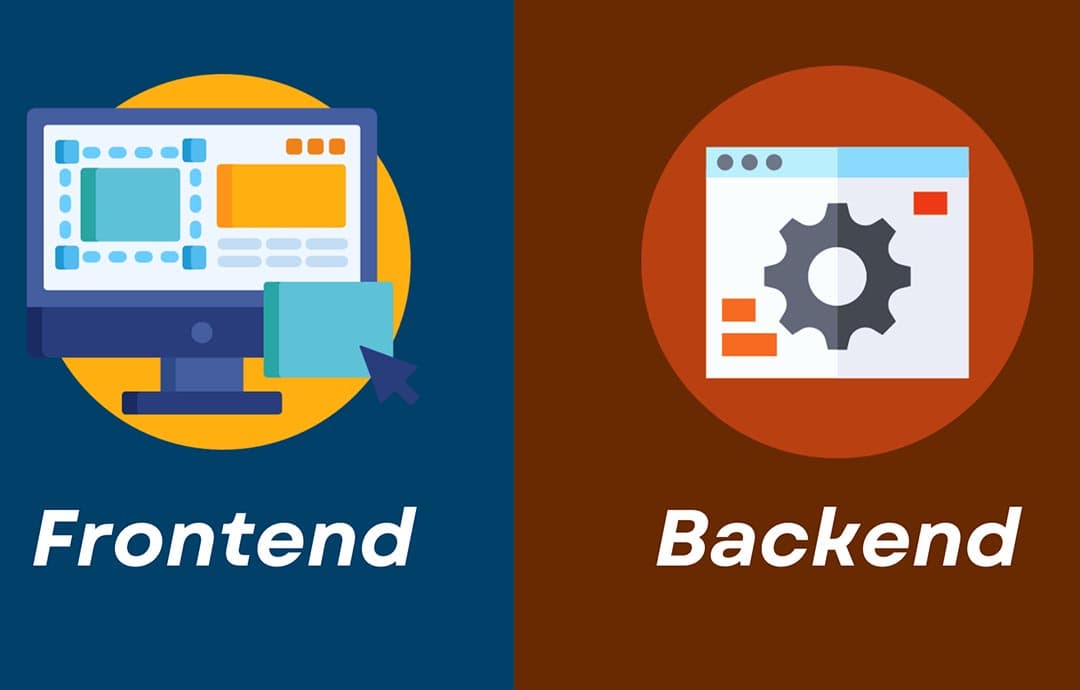
- JavaScript everywhere: Unify frontend and backend development.
- Scalability: Handles thousands of concurrent connections.
- Rich ecosystem: Access to npm's vast library of packages.
Setting Up a Node.js Server
Let’s create a simple Node.js server using the Express framework, a popular choice for building RESTful APIs.
Step 1: Initialize the Project
Create a new directory for your project and initialize it with npm:
mkdir blog-api
cd blog-api
npm init -y
npm install express
Step 2: Create a Basic Server
Create a file named server.js with the following code:
const express = require('express');
const app = express();
const port = 3000;

app.use(express.json());

app.get('/', (req, res) => {
  res.send('Welcome to the Blog API!');
});

app.listen(port, () => {
  console.log(`Server running at http://localhost:${port}`);
});
Run the server using:
node server.js
Visit http://localhost:3000 in your browser, and you’ll see the message "Welcome to the Blog API!".
Building a Blog API
Let’s extend the server to handle blog posts with basic CRUD operations (Create, Read, Update, Delete).
Step 3: Create a Blog Endpoint
Add the following code to server.js to manage blog posts in memory (for simplicity):
const express = require('express');
const app = express();
const port = 3000;

app.use(express.json());

// In-memory storage for blog posts
let posts = [];
let id = 1;

// Get all posts
app.get('/posts', (req, res) => {
  res.json(posts);
});

// Create a new post
app.post('/posts', (req, res) => {
  const { title, content } = req.body;
  if (!title || !content) {
    return res.status(400).json({ error: 'Title and content are required' });
  }
  const post = { id: id++, title, content, createdAt: new Date() };
  posts.push(post);
  res.status(201).json(post);
});

// Get a single post by ID
app.get('/posts/:id', (req, res) => {
  const post = posts.find(p => p.id === parseInt(req.params.id));
  if (!post) {
    return res.status(404).json({ error: 'Post not found' });
  }
  res.json(post);
});

// Update a post
app.put('/posts/:id', (req, res) => {
  const post = posts.find(p => p.id === parseInt(req.params.id));
  if (!post) {
    return res.status(404).json({ error: 'Post not found' });
  }
  const { title, content } = req.body;
  if (!title || !content) {
    return res.status(400).json({ error: 'Title and content are required' });
  }
  post.title = title;
  post.content = content;
  res.json(post);
});

// Delete a post
app.delete('/posts/:id', (req, res) => {
  const index = posts.findIndex(p => p.id === parseInt(req.params.id));
  if (index === -1) {
    return res.status(404).json({ error: 'Post not found' });
  }
  posts.splice(index, 1);
  res.status(204).send();
});

app.listen(port, () => {
  console.log(`Server running at http://localhost:${port}`);
});
Step 4: Test the API
Use a tool like Postman or curl to test the API endpoints:
- GET
/posts: Retrieve all posts. - POST
/posts: Create a new post with a JSON body (e.g.,{ "title": "My First Post", "content": "This is my blog content" }). - GET
/posts/:id: Retrieve a specific post. - PUT
/posts/:id: Update a post. - DELETE
/posts/:id: Delete a post.
For example, to create a post using curl:
curl -X POST http://localhost:3000/posts -H "Content-Type: application/json" -d '{"title":"My First Post","content":"This is my blog content"}'
Scaling the Backend
For a production-ready blog API, consider:
- Database Integration: Use MongoDB, PostgreSQL, or MySQL instead of in-memory storage.
- Authentication: Implement JWT or OAuth for secure access.
- Error Handling: Add middleware for consistent error responses.
- Logging: Use tools like Winston or Morgan for request logging.
Conclusion
Node.js with Express provides a powerful and flexible platform for backend development. The example above demonstrates a simple blog API, but you can expand it with features like user authentication, pagination, or file uploads. Start experimenting with Node.js today to build your own scalable backend!
Application Security Best Practices


Ethical Hacking Techniques

Data Science with Python
Backend Development with Node.js
Fullstack Development Guide

Network Security Essentials