Application Security Best Practices
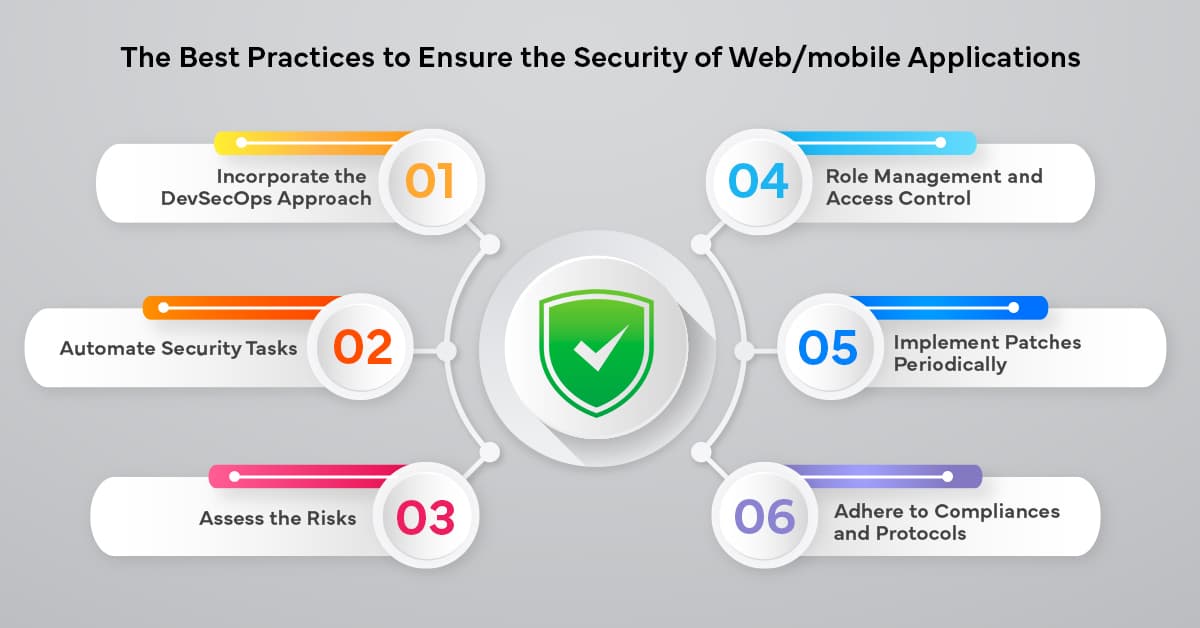

Application Security Best Practices: Safeguarding Your Software
Application security is crucial for protecting software from threats, ensuring data integrity, and maintaining user trust. By implementing robust security practices, developers can mitigate vulnerabilities and reduce the risk of breaches. In this blog, we’ll explore application security fundamentals, common vulnerabilities, and a practical example of securing a Node.js application with input validation and authentication.
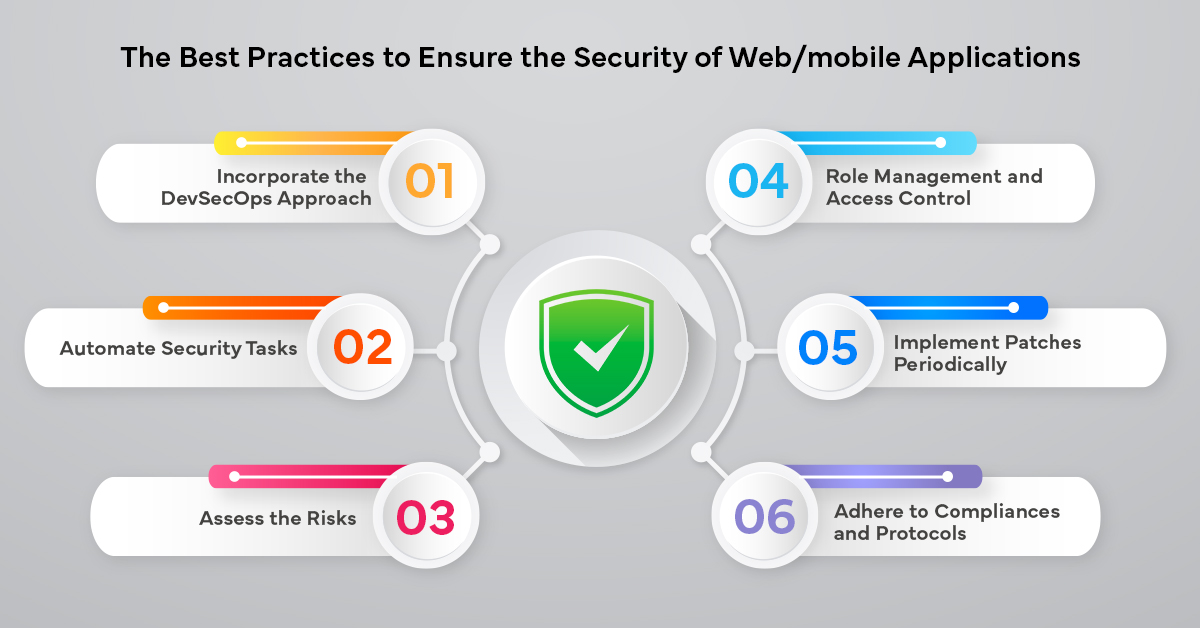
Why Application Security Matters
Applications are often the primary entry point for cyberattacks, making them prime targets for exploits like data theft or unauthorized access. Effective application security protects sensitive data, ensures compliance with regulations (e.g., GDPR, HIPAA), and maintains user confidence.
Key objectives:
- Confidentiality: Prevent unauthorized data access.
- Integrity: Ensure data and application logic remain unaltered.
- Availability: Keep applications accessible to legitimate users.
Common Application Security Threats
- SQL Injection: Attackers inject malicious SQL queries to manipulate databases.
- Cross-Site Scripting (XSS): Malicious scripts are injected into web pages to steal data or hijack sessions.
- Cross-Site Request Forgery (CSRF): Tricks users into performing unintended actions.
- Insecure Authentication: Weak password policies or session management expose applications.
- Broken Access Control: Improper restrictions allow unauthorized access to resources.
Core Application Security Practices
- Input Validation: Sanitize and validate all user inputs.
- Authentication and Authorization: Use strong authentication (e.g., JWT, OAuth) and role-based access control.
- Secure APIs: Protect endpoints with rate limiting and input validation.
- Data Encryption: Use HTTPS and encrypt sensitive data at rest.
- Regular Security Testing: Perform code reviews, penetration testing, and vulnerability scanning.
Securing a Node.js Application
Let’s build a simple Node.js application with Express, implementing secure user registration and login using input validation and JSON Web Tokens (JWT).
Step 1: Set Up the Project
Create a directory and initialize a Node.js project:
mkdir secure-app
cd secure-app
npm init -y
npm install express bcryptjs jsonwebtoken express-validator dotenv
Step 2: Create the Secure Application
Create a file named server.js with the following code:
const express = require('express');
const bcrypt = require('bcryptjs');
const jwt = require('jsonwebtoken');
const { body, validationResult } = require('express-validator');
require('dotenv').config();

const app = express();
const port = process.env.PORT || 3000;
const JWT_SECRET = process.env.JWT_SECRET || 'your-secret-key';

app.use(express.json());

// In-memory user storage (replace with database in production)
const users = [];

// Middleware for input validation
const validateRegister = [
  body('username').isLength({ min: 3 }).trim().escape(),
  body('password').isLength({ min: 6 }),
  body('email').isEmail().normalizeEmail(),
];

const validateLogin = [
  body('email').isEmail().normalizeEmail(),
  body('password').notEmpty(),
];

// Register route
app.post('/register', validateRegister, async (req, res) => {
  const errors = validationResult(req);
  if (!errors.isEmpty()) {
    return res.status(400).json({ errors: errors.array() });
  }

  const { username, email, password } = req.body;
  if (users.find(user => user.email === email)) {
    return res.status(400).json({ error: 'Email already exists' });
  }

  const hashedPassword = await bcrypt.hash(password, 10);
  const user = { id: users.length + 1, username, email, password: hashedPassword };
  users.push(user);

  const token = jwt.sign({ id: user.id, username }, JWT_SECRET, { expiresIn: '1h' });
  res.status(201).json({ token });
});

// Login route
app.post('/login', validateLogin, async (req, res) => {
  const errors = validationResult(req);
  if (!errors.isEmpty()) {
    return res.status(400).json({ errors: errors.array() });
  }

  const { email, password } = req.body;
  const user = users.find(u => u.email === email);
  if (!user) {
    return res.status(401).json({ error: 'Invalid credentials' });
  }

  const isMatch = await bcrypt.compare(password, user.password);
  if (!isMatch) {
    return res.status(401).json({ error: 'Invalid credentials' });
  }

  const token = jwt.sign({ id: user.id, username: user.username }, JWT_SECRET, { expiresIn: '1h' });
  res.json({ token });
});

// Protected route
app.get('/protected', (req, res) => {
  const token = req.headers.authorization?.split(' ')[1];
  if (!token) {
    return res.status(401).json({ error: 'No token provided' });
  }

  try {
    const decoded = jwt.verify(token, JWT_SECRET);
    res.json({ message: 'Welcome to the protected route!', user: decoded });
  } catch (err) {
    res.status(401).json({ error: 'Invalid token' });
  }
});

app.listen(port, () => console.log(`Server running on port ${port}`));
Create a .env file:
PORT=3000
JWT_SECRET=your-secret-key
Step 3: Run the Application
Start the server:
node server.js
Step 4: Test the Application
Use a tool like Postman or curl to test the endpoints:
- Register:
curl -X POST http://localhost:3000/register -H "Content-Type: application/json" -d '{"username":"john","email":"john@example.com","password":"secure123"}' - Login:
curl -X POST http://localhost:3000/login -H "Content-Type: application/json" -d '{"email":"john@example.com","password":"secure123"}' - Protected Route (replace
<token>with the JWT from login):curl -H "Authorization: Bearer <token>" http://localhost:3000/protected
Explanation
- Input Validation:
express-validatorsanitizes and validates inputs to prevent injection attacks. - Password Hashing:
bcryptjssecurely hashes passwords before storage. - JWT Authentication:
jsonwebtokengenerates and verifies tokens for secure access to protected routes. - Error Handling: Returns meaningful error messages for invalid inputs or authentication failures.
- Security Features: Escapes HTML, normalizes emails, and enforces minimum password length.
Best Practices for Application Security
- Secure Dependencies: Use tools like
npm auditor Snyk to check for vulnerabilities. - HTTPS: Enforce HTTPS with TLS certificates in production.
- Rate Limiting: Prevent brute-force attacks with middleware like
express-rate-limit. - Security Headers: Use
helmetto set secure HTTP headers. - Regular Audits: Perform static code analysis and penetration testing.
Conclusion
Application security is a critical aspect of software development, protecting applications from evolving threats. The Node.js example demonstrates secure authentication and input validation, but comprehensive security requires ongoing vigilance across the development lifecycle. Start implementing these best practices to build secure, reliable applications today!
Application Security Best Practices

Ethical Hacking Techniques

Data Science with Python

Backend Development with Node.js


Fullstack Development Guide

Network Security Essentials